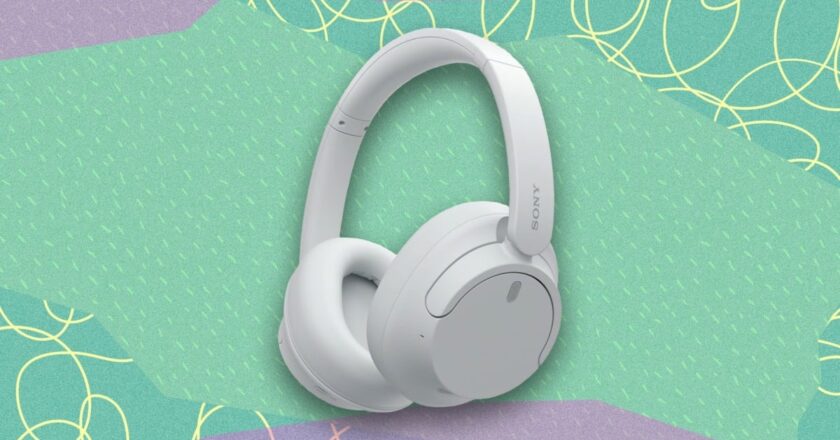

The Sony WH-CH720N Are 51% Off Right Now
We may earn a commission from links on this page.
Deal pricing and availability subject to change after time of publication.
Not everybody needs, wants, or can afford the "best" headphones available, especially when they can easily cost half a grand. If the $450+ Sony XM6s, which I called the best over-ear headphones of 2025 (and 2026 so far), are not in your budget, then perhaps the more affordable Sony WH-CH720Ns could be. While they're not quite as premium, they're significantly cheaper and offer good enough audio quality for most people. Right now, you can get them for $88 (originally $179.99) on Amazon, their second-lowest price ever according to price tracking tools. Thopugh they've dropped below $100 before, all three colorways have not been availab...