
On Tuesday, WhatsApp announced a handful of new features and changes for its app. But unlike the usual feature updates, these changes are specifically for group chats. In total, WhatsApp has five new updates for your groups, one of which will make it much easier to get the entire chat’s attention. Here’s what’s new:
WhatsApp finally gets an “@all” function
Credit: WhatsApp
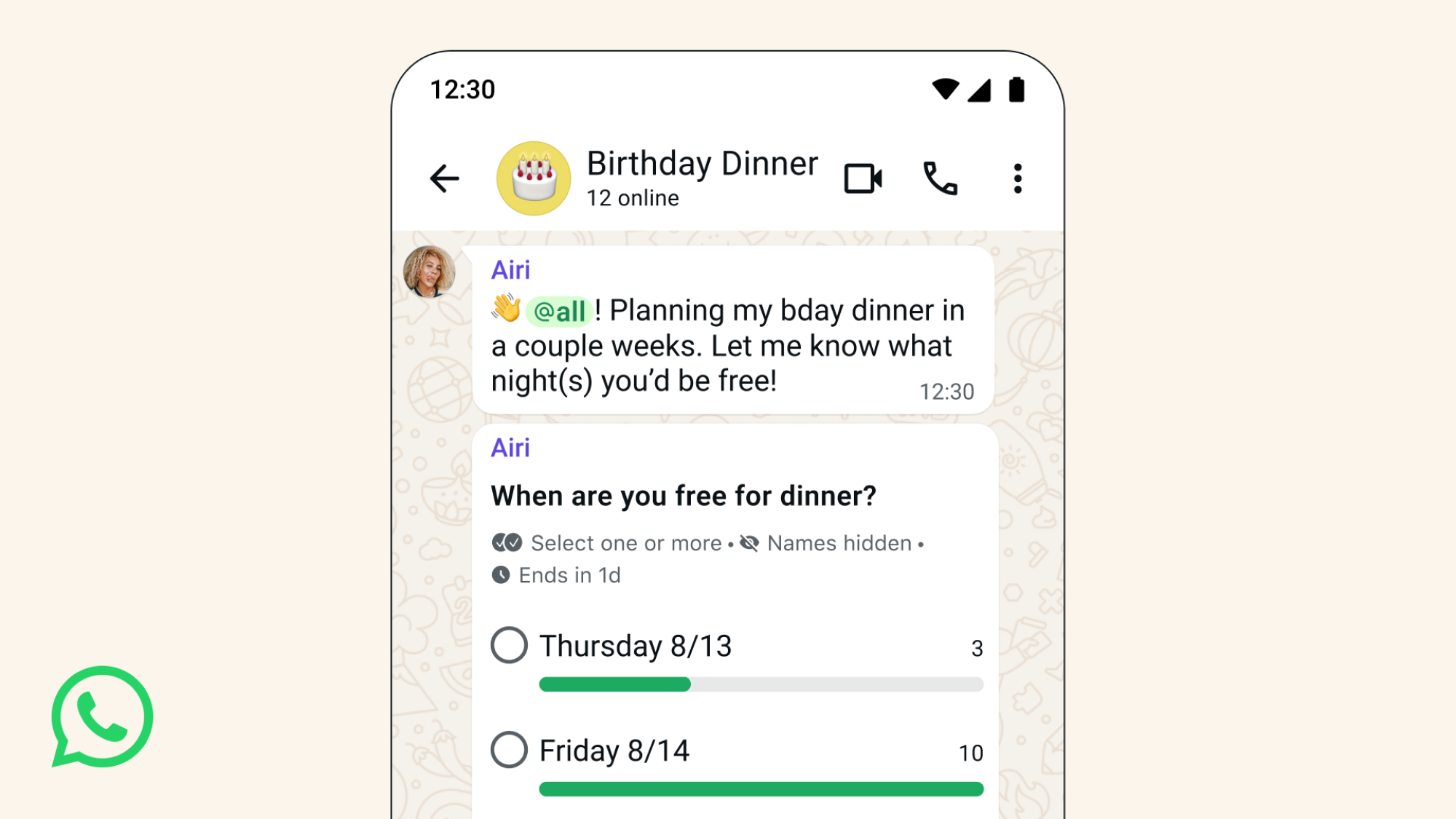
If you’ve ever used Slack, Google Chat, or any messaging platform with an “@all” function, you know how useful (and potentially disruptive) it can be. By typing “@all” as part of your message, you can force everyone in the group chat to receive a notification for your text. It’s especially useful for time-sensitive messages, since it lets you skip tagging all group members one by one.
Of course, “@all” can be overused and abused. No one wants unnecessary alerts, but this feature increases the risk that you’ll be bothered by someone who didn’t think through their “@all” use all that carefully—particularly since the feature breaks through muted group chats. Luckily, there is a notification setting that will let you choose to mute even @all alerts—though keep in mind you’ll miss out on these all of those alerts going forward. While @all is available to all group chat members, WhatsApp notes the feature is limited to admins in groups of more than 32 people.
WhatsApp’s group polls now have three new features
Polls are something I don’t use enough in my chat apps. They’re a great way to gauge your groups’ opinions on any number of topics, from where to go for dinner to which movie you should all see. Now, WhatsApp says it is making polls “even more useful” by adding three new changes to the mix:
What do you think so far?
-
You can now set an end time for polls to close, so users have a deadline to respond by.
-
If the poll is particularly sensitive, you can hide responders’ names, so people can vote more freely.
-
Finally, you can edit poll questions within 15 minutes of posting, in case you made a mistake or need to make a question clearer.
You can create new WhatsApp group chats from existing groups
Credit: WhatsApp
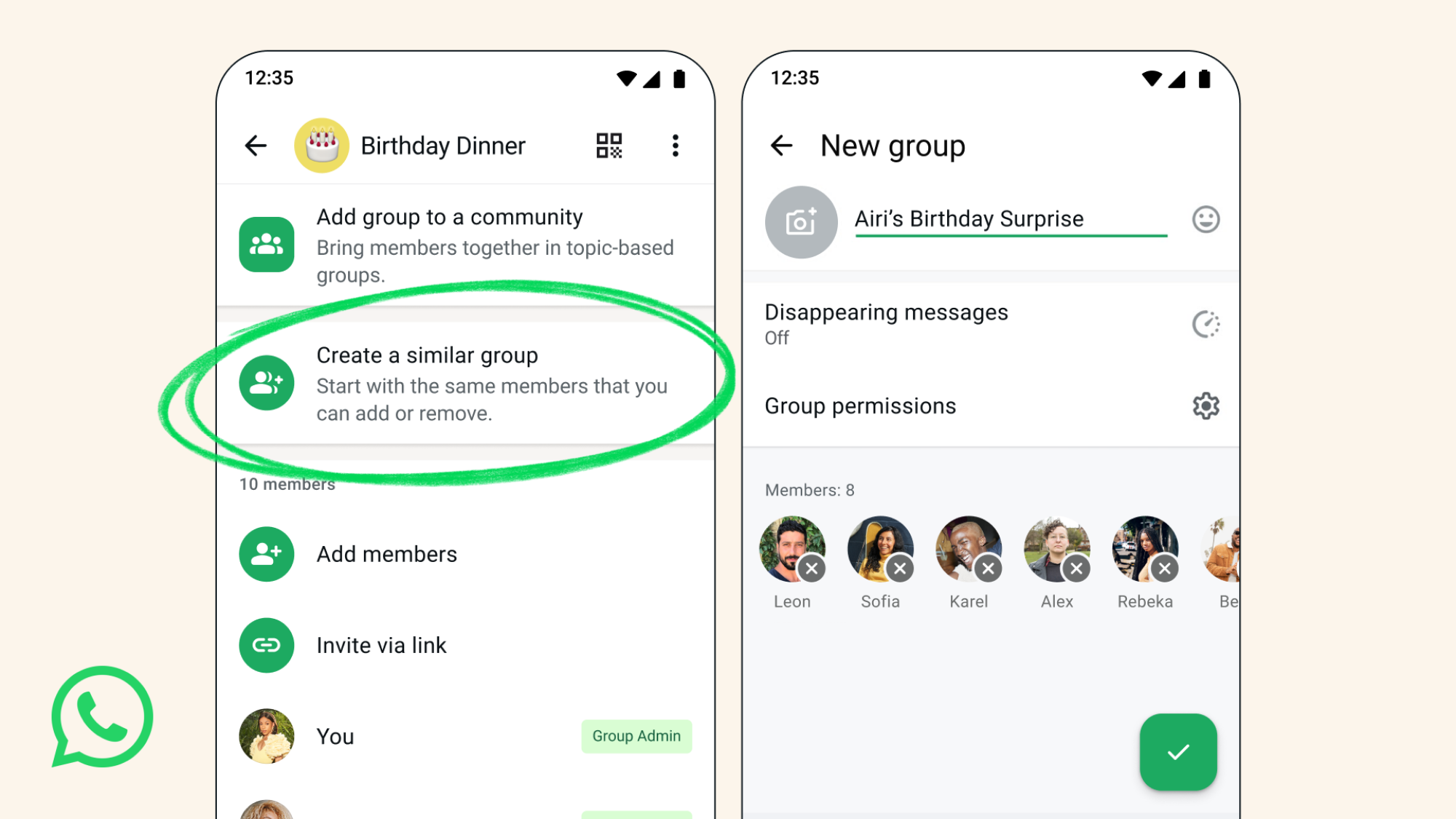
The next time you need to create a smaller group chat featuring members of an existing group, you no longer need to build it from scratch. Instead, you can make new group chats from your current groups, which should make splitting off much easier. WhatsApp sees this as a great way to “plan a surprise party” or “coordinate event logistics,” but we all know this is going to be used in, let’s say, less kind ways. Yes, the ability to create a side chat from a main chat will be used to talk smack inconspicuously. (I imagine the first text in these breakout group chats will be “Oh my god, can you believe they just said that?”)